
Guides
From rota to payroll: getting the workforce handover right
Follow the steps from planned shifts to reviewed attendance and pay-ready exports, with practical checks for operations, HR and payroll teams.
Published 8 October 2026
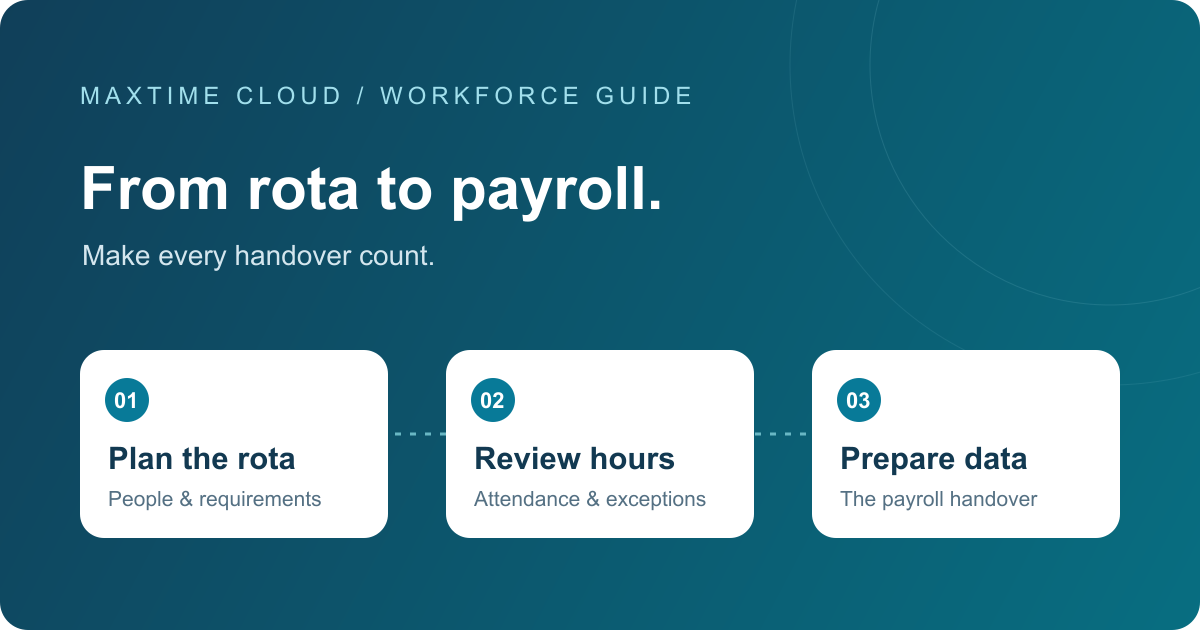
Planned hours and payable hours are different records
A rota shows the work you intend to cover. Attendance records show what happened. Payroll needs the reviewed information and the correct treatment of pay elements. Keeping these stages connected makes it easier to understand why an exported figure differs from the original schedule.
Step 1: build a schedule around your requirements
Start with the roles, locations and periods that need coverage. Check availability, leave and contracted hours before publishing the schedule. Keep ownership of amendments clear so that a changed shift does not leave the planner and payroll team working from different assumptions.
Explore scheduling and staffing requirements together within Maxtime.
Step 2: capture attendance using the right method
Choose clocking methods that suit the workplace and your operating policies. A fixed clock may suit one team, while enabled mobile clocking may suit another. Confirm how missed punches, breaks and other adjustments will be reviewed.
Maxtime supports several attendance methods and brings records into an exception-review process. The available configuration should be confirmed for your organisation.
Step 3: resolve exceptions before the cutoff
- Compare planned shifts with attendance and explain meaningful differences.
- Review missing punches, absence and break adjustments with the responsible manager.
- Confirm which periods are approved for export and who owns outstanding issues.
- Keep employee and contract information aligned with the records used for payroll.
Step 4: lock eligible timesheets and validate the export
Check the export against your payroll import specification. Depending on the agreed format, the review may include employee identifiers, periods, pay elements, hours, rates and location codes. Reconcile totals and investigate unexpected changes before the file is handed over.
Maxtime calculates workforce time and costs using configured pay rules and prepares reviewed data for payroll. The receiving payroll system handles statutory payroll calculations and the payment process. Export formats and field mappings need to be agreed for that system.
An example handover to test
Consider an employee scheduled for a day shift who worked a different finish time and took a different break. This is an illustrative process, not a customer result: the manager reviews the attendance, resolves the break adjustment, checks the applicable pay treatment and approves the period. Payroll then checks the export against its expected inputs.
Questions for operations and payroll to agree
- Who can amend a shift or an attendance record?
- When does the pay period close, and how are late changes handled?
- Which employee identifier links the systems?
- Which pay elements and location codes does payroll expect?
- Who reviews export totals and confirms the file is ready?
Make the handover part of your software evaluation
Ask to see the whole sequence using an anonymised example from your own operation. A familiar screen is useful, but following a change through to the export gives both teams a clearer basis for evaluation.